





How Do I Favorite a Game?

Written by Vlad Mihalache


Last updated on Jun 26, 2026
All you have to do is tap the “Add to Favorites” button on any game tile in the top right corner (on desktop).

On mobile, the button is located below the game window, but it works pretty much the same.

That's the whole move. Once tapped, the game lands in the Favorites section of your profile, so you don't have to scroll through the lobby every time you want to play it again.
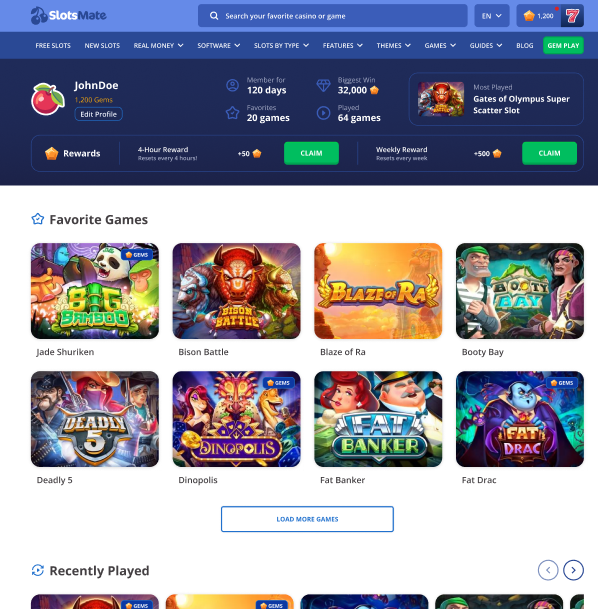
To unfavorite, tap the heart again. There is no limit on how many you can favorite. If you want to favorite the entire lobby, you can. (You probably shouldn't, but you definitely can.)
Your favorites sync across devices as long as you're logged in. Add one on desktop, find it again on mobile.
Page Contributors